

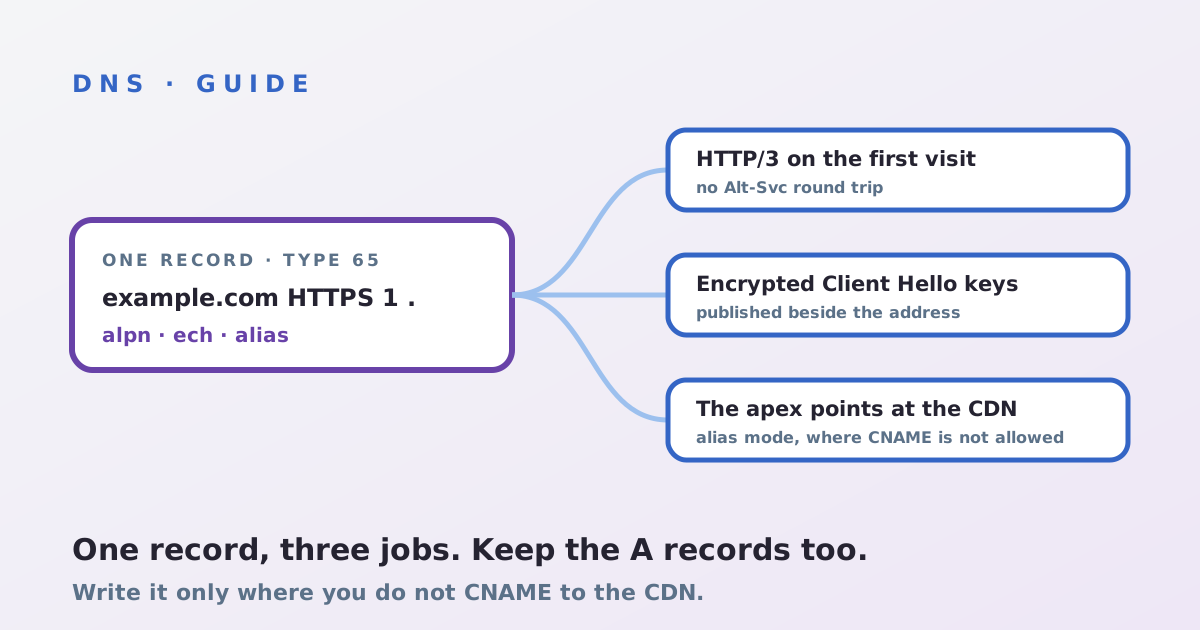
How to publish HTTPS DNS records for a CDN, in short: first find out whether your CDN already writes them, then add records only at names you do not CNAME to the CDN: usually the apex. One record type, defined in RFC 9460, now carries three things a CDN-fronted site wants: HTTP/3 from the first connection, Encrypted Client Hello keys, and a way to point the bare domain at the CDN. This guide walks through the records, who should own them and how to check they work.
What an HTTPS record does for a CDN site
An HTTPS record (DNS type 65, the web flavour of SVCB) tells a browser how to connect before it connects. Its alpn parameter can list h3, so a client can open QUIC immediately instead of learning about HTTP/3 from an Alt-Svc header after a first visit over TCP; our HTTP/3 guide covers that slower path. Its ech parameter carries the keys for Encrypted Client Hello. And in alias mode it can send the apex to a CDN hostname, the job CNAME is not allowed to do there. Safari, Chrome and Firefox all ask for these records today.
Step 1: decide who writes the record
If your hostname is a CNAME to the CDN, the browser follows the CNAME and asks for the HTTPS record at the CDN's name, so the CDN publishes it and you add nothing. An HTTPS record also cannot sit beside a CNAME at the same name. On a CDN that also runs your DNS, records for proxied hostnames are generated for you: Cloudflare has done this since 2020. On CloudFront, AWS's guidance is a Route 53 alias record of type HTTPS pointing at the distribution. Everywhere else, you write the record yourself at names without a CNAME.
Step 2: write the record
For the apex, use alias mode, which is priority 0 and a target name:
example.com. 300 IN HTTPS 0 example.cdn-provider.net.
For a name you serve directly, use service mode, priority 1 or higher, with . meaning "this same name":
shop.example.com. 300 IN HTTPS 1 . alpn="h3,h2"
Keep your A and AAAA records, or your DNS provider's apex flattening, in place. Some resolvers, mostly older ISP and corporate ones, drop type 65 answers, and support for following alias mode varies by client, so the HTTPS record is an addition, never a replacement. Check first that your DNS host accepts type 65 at all; not every panel does.
Step 3: keep the parameters honest
- alpn: list only protocols the edge serves on that hostname. Advertising
h3where UDP 443 is closed costs every visitor a failed attempt. - ipv4hint and ipv6hint: leave them out on a CDN. Edge addresses change, and a stale hint sends clients to the wrong place; alias mode to the CDN's name avoids the problem.
- ech: only paste a configuration the CDN gives you, and only if it rotates the record for you. A stale key forces a retry on every new connection.
Sign the zone with DNSSEC if you can; these records steer connections, and the multi-signer DNSSEC guide covers two-provider set-ups.
Step 4: verify
Query the record directly with dig example.com HTTPS +short, or dig example.com TYPE65 on an older dig. Repeat against a public encrypted resolver as well as your office one, to catch resolvers that strip it. Then open the site in a fresh browser profile: with the record in place, the network panel should show h3 on the very first request, not only on the second visit. Finally, confirm the A and AAAA answers still resolve, so clients that ignore the record lose nothing. The record types around it are covered in configuring DNS for a CDN.
Not sure which of your hostnames should carry HTTPS records? The assessment maps your DNS against your CDN set-up.